From the Journal
Write a portrait brief that still looks like you
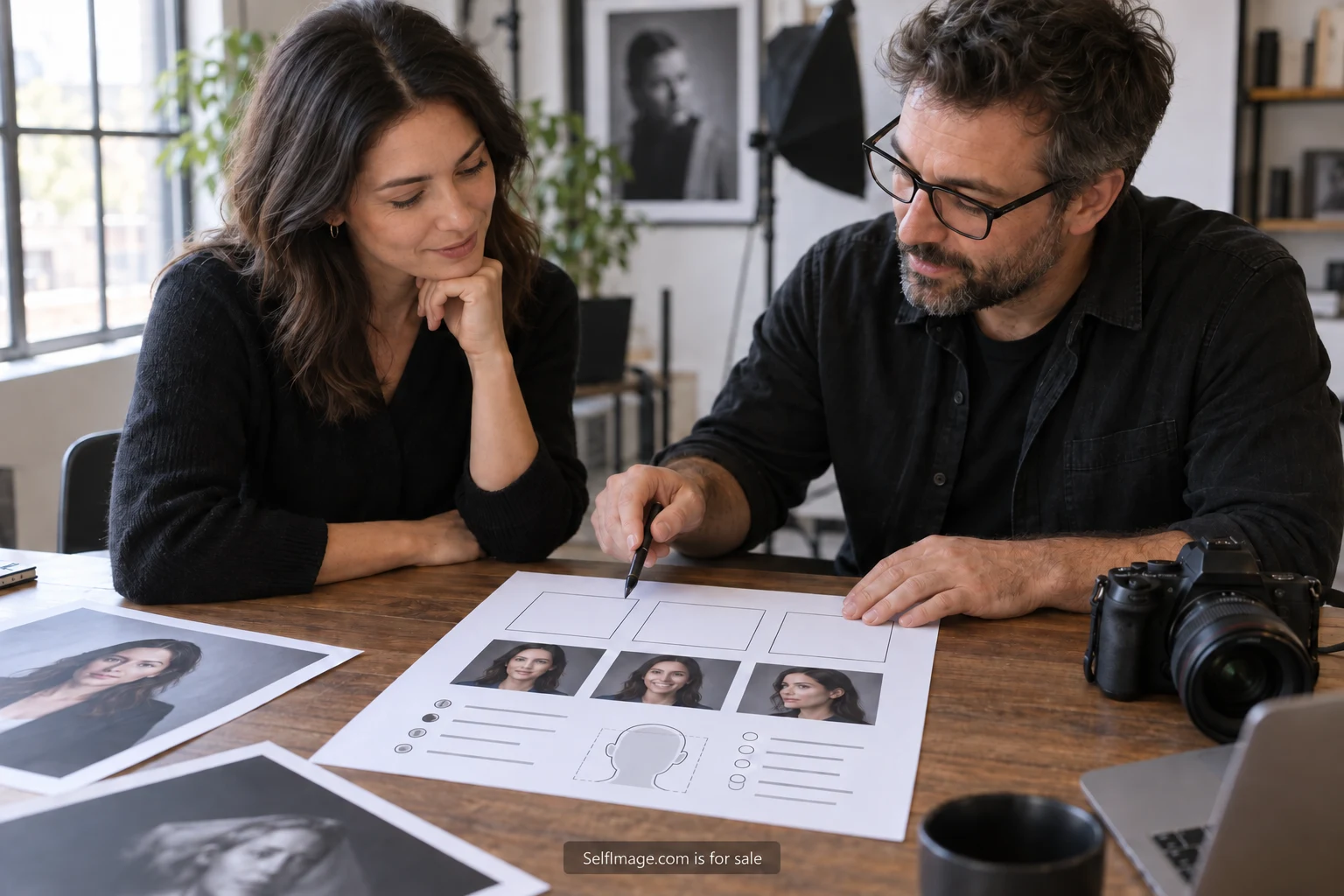
A portrait brief gives the photographer a concrete task and gives you a way to state preferences before the session begins. It can be one page. Describe where the image will appear, what context it should communicate and which choices require your approval. Those details are more useful than collecting a large set of photographs with no explanation of what you like about them.
Begin with the intended use. A small profile image, a website introduction and a speaker page ask different things of a photograph. List the destinations you expect to use first. If the picture may appear in print, ask the recipient about the required file before the session. Preparing those questions early leaves more attention for the actual portrait.
State the job of the image
Write one sentence explaining the situation. For example: “This portrait introduces an independent designer to prospective collaborators on a website and in workshop materials.” That gives the photographer a subject and a context without prescribing every technical choice. It also helps you decide which props, clothing and backgrounds are relevant.
Choose a few plain words for the intended impression, then explain them. “Approachable” might mean a relaxed expression and an ordinary working setting. “Formal” might mean a restrained background and clothing already used for professional events. The explanation matters because people can picture very different images when they hear the same adjective.
Include what you want to recognize in the final image. That might be your usual glasses, a familiar hairstyle or a comfortable seated posture. You do not need to turn this into a list of flaws to correct. A positive description of familiar features gives the photographer something useful to preserve.
Decide how much setting belongs in the frame
A background can supply context or become a distraction. If the portrait is about your work, identify one or two relevant elements and explain why they belong. A designer's desk may be meaningful, but private client material on it may need to be removed. A plain wall may be the clearer choice when the image will appear very small.
Ask the photographer how the location affects lighting and framing. Nikon's portrait guidance discusses lens choice, focus on the eyes and the effect of background sharpness. Those are technical choices to discuss with the person making the image. A brief can describe the result you need while leaving room for their judgment about how to obtain it.
Provide a fallback location or background if the first option depends on weather, access or a busy shared room. Confirm that the location can be used at the proposed time. If there are practical access needs, communicate them early so the session can be arranged around them. The brief should make the appointment workable as well as visually clear.
Plan for the crops you will actually use
An image that works across a full website column may become hard to read inside a small profile circle. Request enough space around the subject to make the intended crops, and ask for a preview of the important versions. Keep the original approved file alongside the exports so future changes do not begin from an already tight crop.
Check the current requirements of each destination. YouTube's official branding instructions say its profile picture renders at 98 by 98 pixels; they also explain that a banner is displayed differently across devices. Those are separate uses. A portrait intended for a profile should be assessed at that small size rather than judged only as a large photograph.
Write the requested versions into the brief in plain terms: square head-and-shoulders, vertical portrait and wider image with space beside the subject. The photographer can then advise whether those versions should come from one composition or several. If text will sit beside the image, state which side needs space and provide the actual layout when possible.
Set retouching boundaries before selection
Describe the editing you are comfortable with. You might approve changes to exposure and color, removal of a temporary mark or tidying an incidental background object. You might want facial structure, skin texture, hair and clothing shape left as photographed. The useful step is making the boundaries explicit rather than assuming that “natural” means the same thing to everyone.
Ask how proofs, selections and revisions will be handled. Find out whether you will see an initial set, how many final images are included and when a change needs a separate agreement. If an image is proposed for the photographer's own portfolio or promotional use, discuss that separately from delivery of your portrait. Keep the agreed permissions in writing.
Clothing preparation deserves a small section too. Bring options that fit the intended use and feel familiar enough to wear comfortably. Check for small repairs and follow the garment's care instructions before the session. A change of layer may be enough to create another useful version; there is no need to buy a new wardrobe simply to fill the frame.
A worked one-page brief
Here is an illustrative brief for an independent adult illustrator preparing a workshop page and a website update. Purpose: introduce the illustrator's current editorial work to organizers and potential collaborators. Intended impression: attentive and approachable, shown through a relaxed expression and a simple working setting rather than elaborate props.
Destinations: a small square profile, a vertical website portrait and a wide workshop image. Setting: a studio wall with one drawing table visible in the wider frame. All client documents and unfinished commissioned work will be removed before the session. Clothing: a familiar plain shirt and an optional jacket, both tried beforehand while seated and standing.
Editing preferences: correct exposure and color, check incidental background distractions, and ask before changing any facial feature or removing a lasting mark. Delivery: approved originals plus the three agreed crops, with clear file names and the photographer's required credit. Permissions: confirm the uses covered by the agreement and discuss any portfolio publication separately.
The brief ends with two practical questions: what preparation does the photographer recommend, and which part of the requested set might need additional time? Those questions invite professional input while keeping the purpose of the session visible. They also give both parties a chance to resolve a mismatch before the appointment.
Review the result in its destination
When proofs arrive, compare them with the original purpose. Look at the expression, setting and crop as a whole. Then view the leading choice at the size it will appear. A detail that is pleasant in a large photograph may disappear in a small profile image, while an overly busy background may become more noticeable.
Check the agreed editing boundaries before approving final files. Confirm that the exported versions match their intended uses and that the names make them easy to distinguish. Save credit and permission information beside the images, so a later collaborator does not have to reconstruct the agreement from a scattered email exchange.
Your next step is to write the one-page brief: purpose, destinations, setting, familiar features, editing preferences and delivery questions. Send it to the photographer before the session and invite a practical response. A useful brief gives the portrait room to feel like you while making the work easier to plan.